How I Make Digital Photos Look Like Film: DxO Film Pack 8 Review
Dec 01, 2025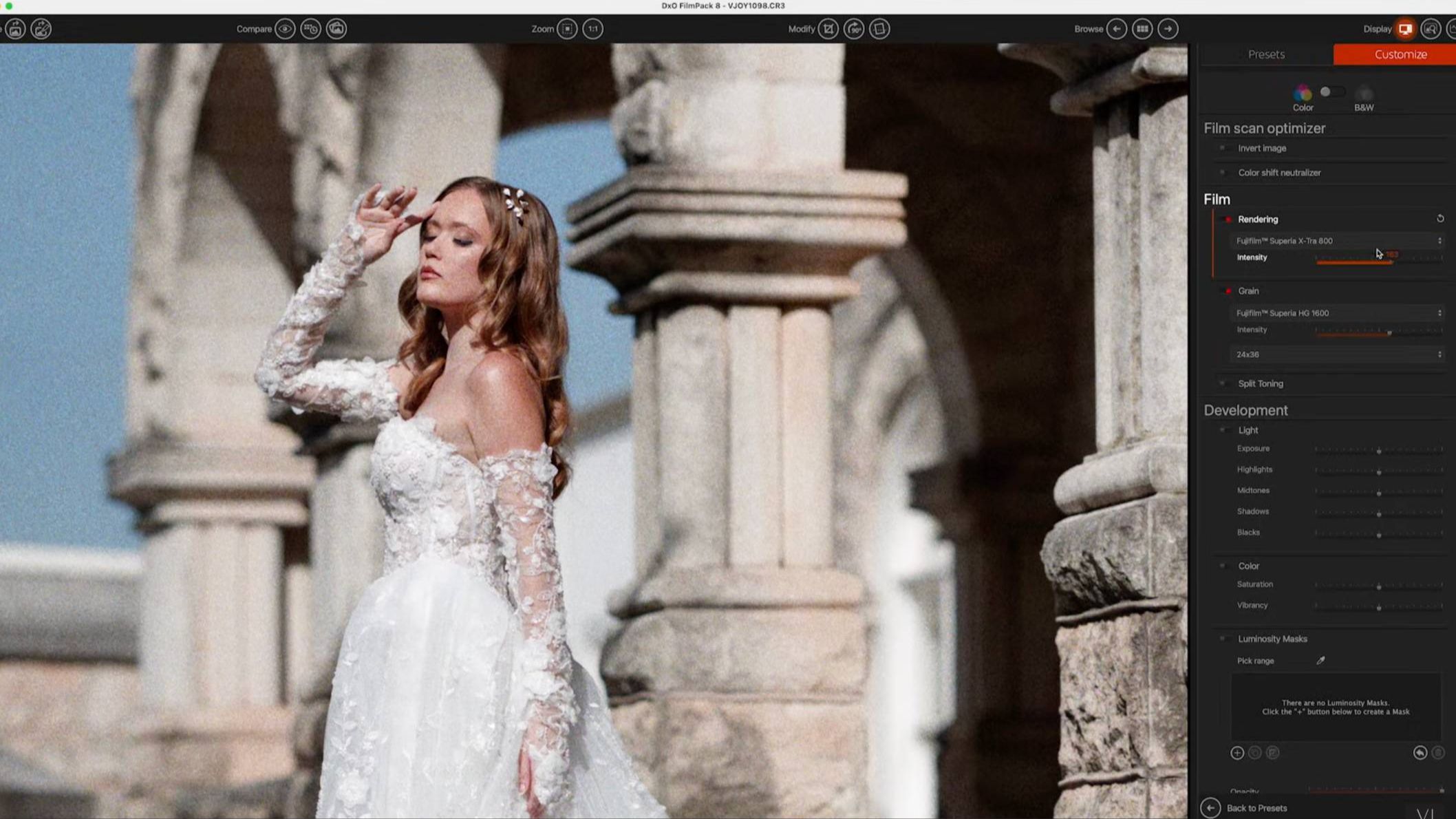
If you love the nostalgic look of film photography but rely on digital cameras, you’re in for a treat. With DxO Film Pack 8, you can recreate that classic analog aesthetic directly from your digital images—no film camera required.
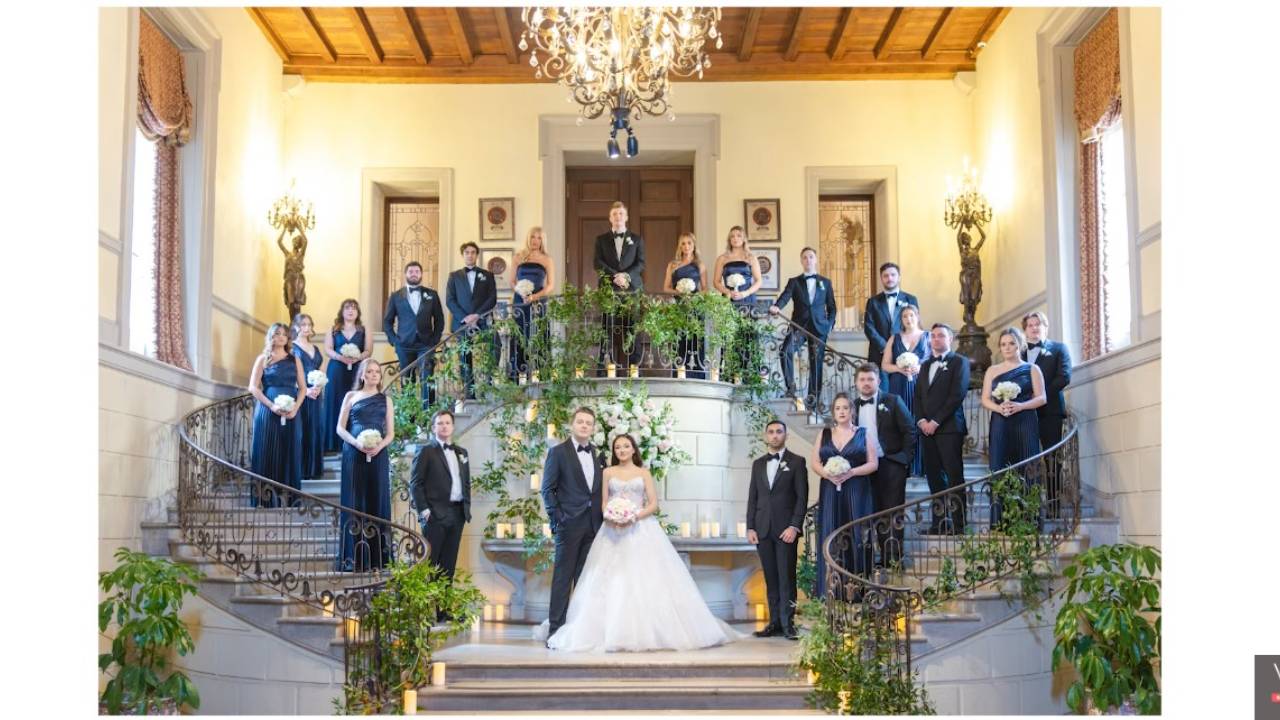
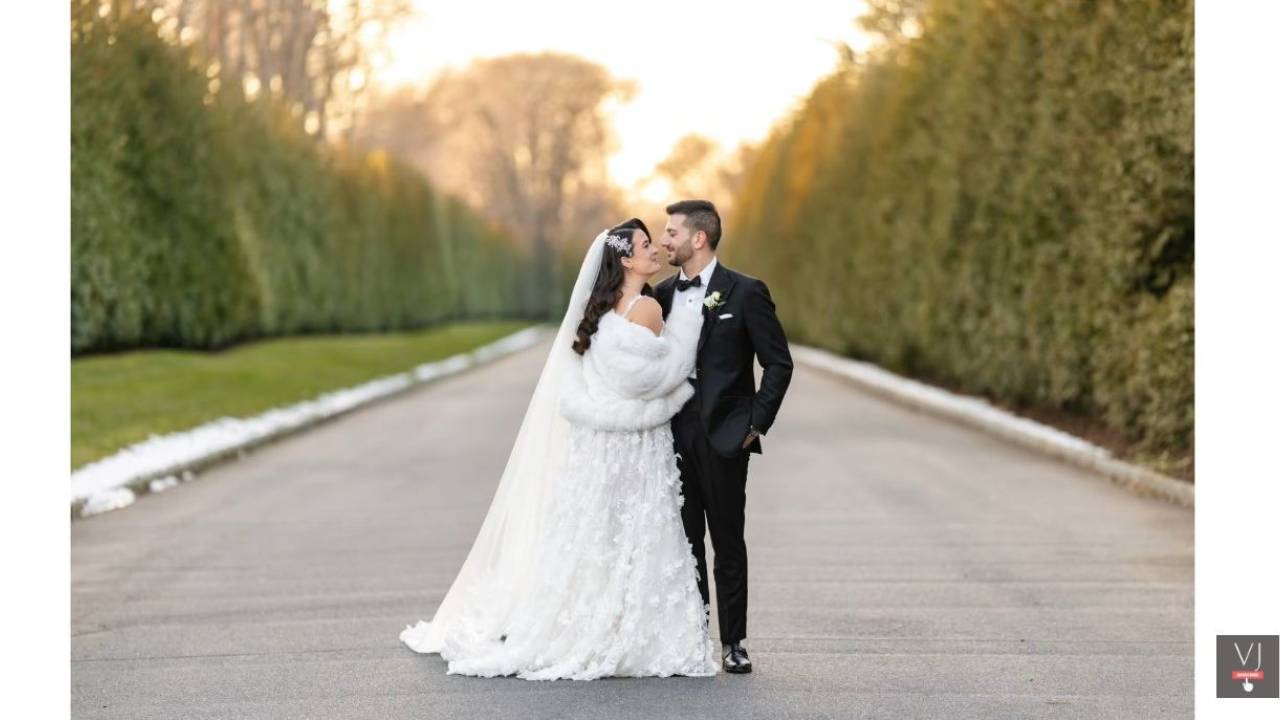
As a wedding and portrait photographer, I often hear clients asking for that timeless, cinematic look. Luckily, this powerful film emulation software makes it easy to deliver.
Why Film Look Still Matters
Film photography has a certain warmth, grain, and character that many digital images lack. Even though I shoot with high-quality Canon cameras, clients still want that film-style aesthetic for their portraits and weddings.
DxO Film Pack 8 bridges the gap, letting photographers:
- Emulate classic film types digitally
- Customize grain, color, and tone
- Work with RAW or JPEG files
- Maintain high resolution for prints and digital use
What Makes DxO Film Pack 8 Stand Out
Unlike many subscription-based editing programs, DxO Film Pack 8 is a one-time purchase—buy it once and keep it forever.
Here’s what I love about it:
- 15 new film emulations to get started
- Over 300 customizable filters for endless creativity
- Integration with Photoshop or standalone use
- High-resolution support for superior image quality
- Scanned film optimization tools for correcting color shifts and density issues
How I Edit My Digital Photos to Look Like Film
Here’s my workflow for turning digital shots into film-inspired masterpieces:
- Choose a base film look: Start with a preset that matches the mood you’re going for.
- Adjust grain and texture: Add the perfect amount of film grain or paper textures.
- Tweak colors and tones: Use the right panel sliders to fine-tune contrast, shadows, highlights, and white balance.
- Apply light effects: Add vignetting, light leaks, or subtle frames for extra authenticity.
- Customize further: Each preset is fully editable, so no two images have to look the same.
One of my favorite new additions is the Cine Style 800T emulation, which mimics popular cinematic film for a moody, analog look—perfect for weddings, portraits, or creative social media shots.
Why I Prefer Digital Film Emulation
Shooting digital and editing with DxO Film Pack 8 gives me:
- Immediate backups and security—no risk of losing film rolls
- High-resolution files for large prints
- Complete control over the final look
- Creative flexibility to experiment without limits
Whether you’re a seasoned film photographer or just starting out, this software makes it simple to get that classic film aesthetic while leveraging the convenience of digital photography.
Bottom Line
DxO Film Pack 8 is a must-have tool for photographers who love the look of film but want the flexibility of digital. With endless customization, high-resolution support, and a perpetual license, it’s one of the most versatile film emulation solutions available today.
If you want to elevate your digital photography with a classic film vibe, this software is a no-brainer—especially during the current Black Friday deal of up to 50% off.
Are you ready to stop guessing and start growing your photography business with proven strategies?
My Mastermind program is designed for photographers who want to scale, find freedom, and build a business they truly love. Inside, you’ll get personalized coaching, step-by-step guidance, and the community support you need to thrive.
See if it’s the right fit for you: https://www.breatheyourpassion.com/photo-insiders-mastermind-optin

Want my Lightroom Presets? Here's your way to the shop: https://vanessajoy.samcart.com/products/the-complete-editing-bundle